 Wordigo
Load your list
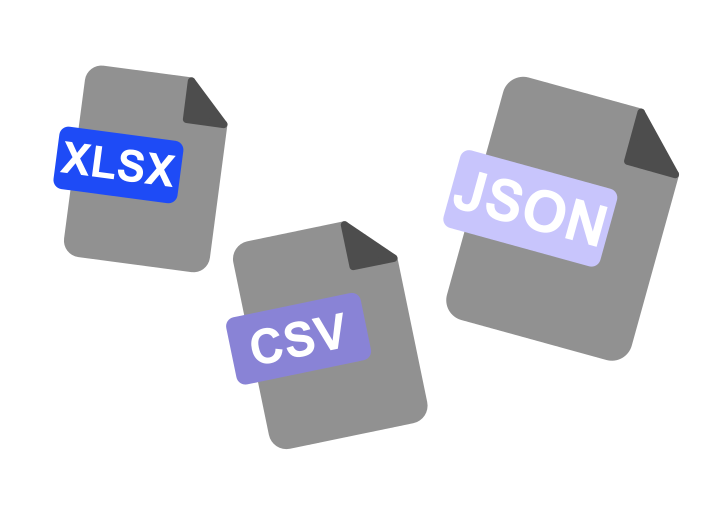
Import from Excel or CSV, or type words in Input Mode.
Wordigo is test preparation for secondary school — not another vocabulary game.
Type every answer from memory. Mistakes come back until you know them all. Windows 10 or 11, from the Microsoft Store.
30 days free · full app · no account required
Test tomorrow? Add your list, practise for twenty minutes, walk in ready.
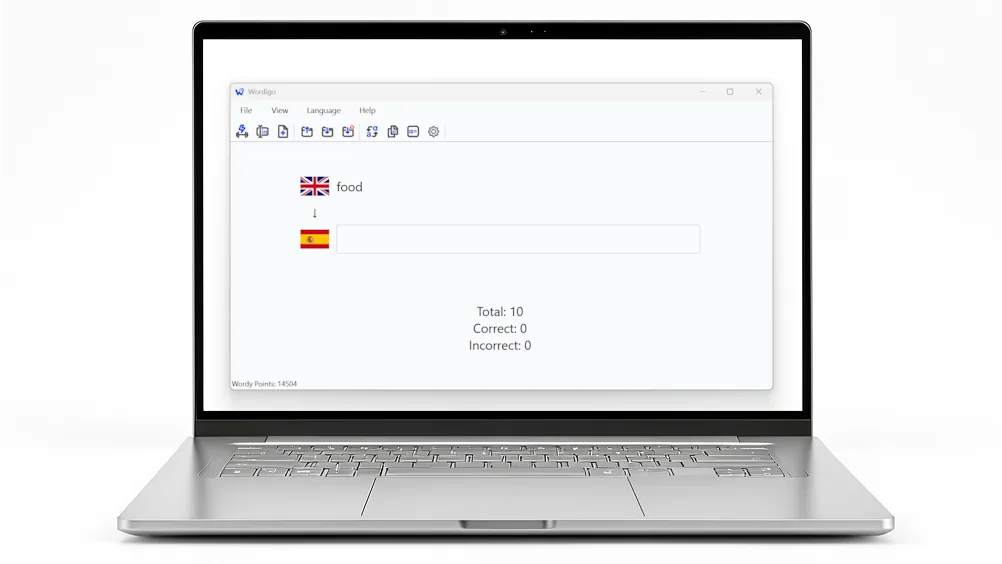
Open the app and start. No sign-up, no email, no profile.
Your word lists live on your PC. Train on the bus, at home, anywhere.
30-day free trial, then one payment. No subscription. Yours forever.
Recognising an answer from a list is easy. Recalling it from memory is learning. Wordigo is built on active recall — every answer must be typed.
No multiple choice. No drag and drop. No flashcard flip. Your brain does the work that actually sticks.

Wordigo is designed for one job — help you pass your next test with your own word list. Here is how that shows up in practice.
| What matters | Wordigo | Many vocabulary apps |
|---|---|---|
| Word lists | Yours — import or type them in | Often built-in or community lists |
| How you answer | Type from memory | Often multiple choice or tapping |
| Offline use | Yes, after install | Often needs an account and connection |
| Pricing | One-time purchase after trial | Often a monthly subscription |
| Account | Not required | Usually required |
| Streaks and leaderboards | None — calm by design | Often central to the experience |
Four steps. No noise. Finish only when every word is correct.
Import from Excel or CSV, or type words in Input Mode.
See the word. Type the answer. No shortcuts.
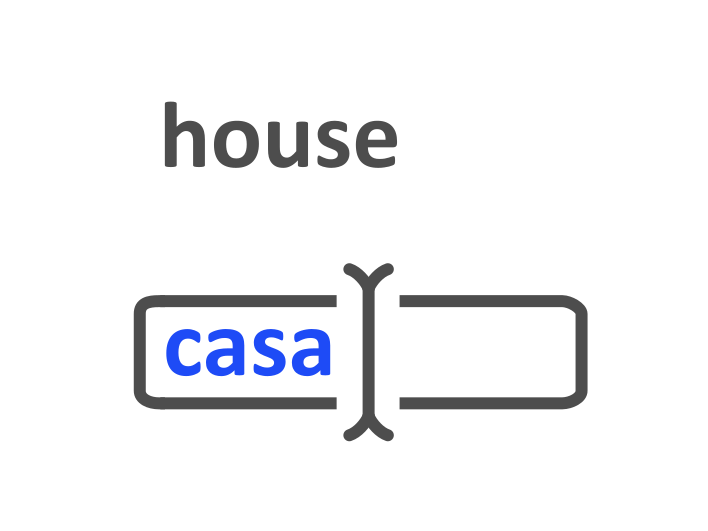
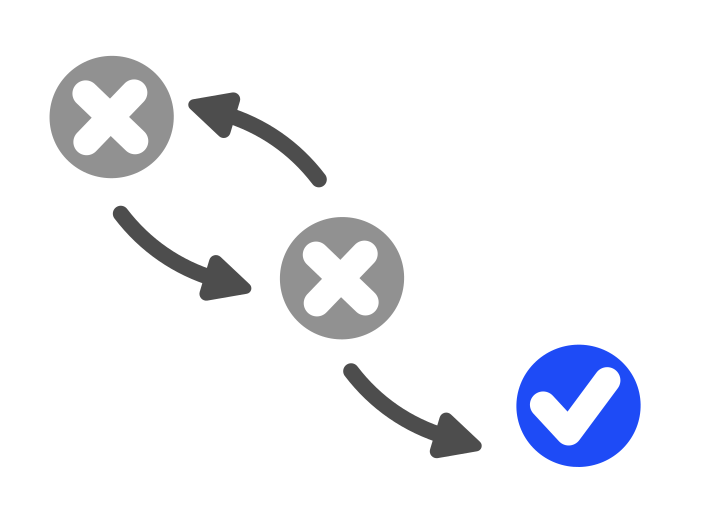
Wrong answers cycle back until you get them right.
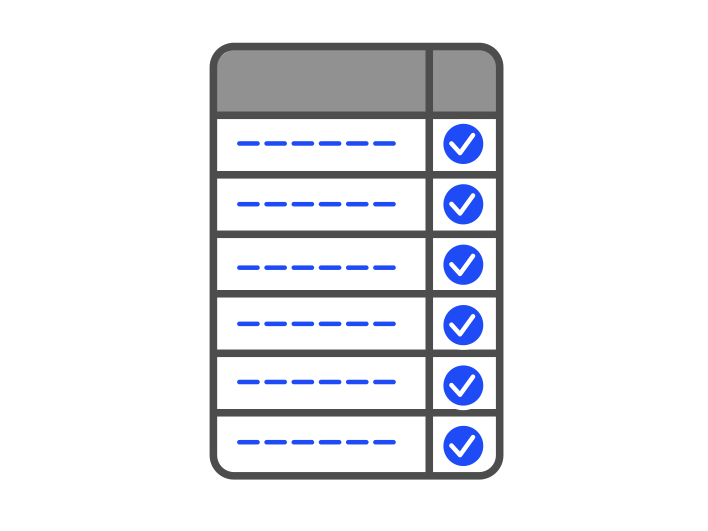
Session ends when everything is correct — not when the timer runs out.
Wordigo is built for secondary-school language tests — your list, your chapter, your test. Pair any two of these languages and practise by typing.
Dutch, English, French, German, Greek, Italian, Latin, Portuguese, and Spanish. Accents and special characters are typed with simple keyboard shortcuts, so Greek and French stay on the keyboard too.

Wordigo is a one-time purchase after a 30-day trial — not a subscription that renews every month. Your child's word lists and progress stay on their computer, not in the cloud.
At €19.99 once, it costs less than a single hour of private tutoring — and works every day until they finish school.

Wordigo is a native Windows desktop app — not a website, not a phone app. You install it through the official Microsoft Store, the same trusted channel used for Windows itself.
“I had my German test the next day. Imported the list from Excel and just typed until I knew everything.” — Beta tester, secondary school
“No login screen. I hate apps that make you sign up before you can even try them.” — Beta tester, year 11
“Mistakes coming back annoyed me at first. Then I realised that’s why it actually worked.” — Beta tester, year 10
Full app. Thirty days free. Windows 10 or 11 via the Microsoft Store.
Get it on Microsoft Store