Training Mode

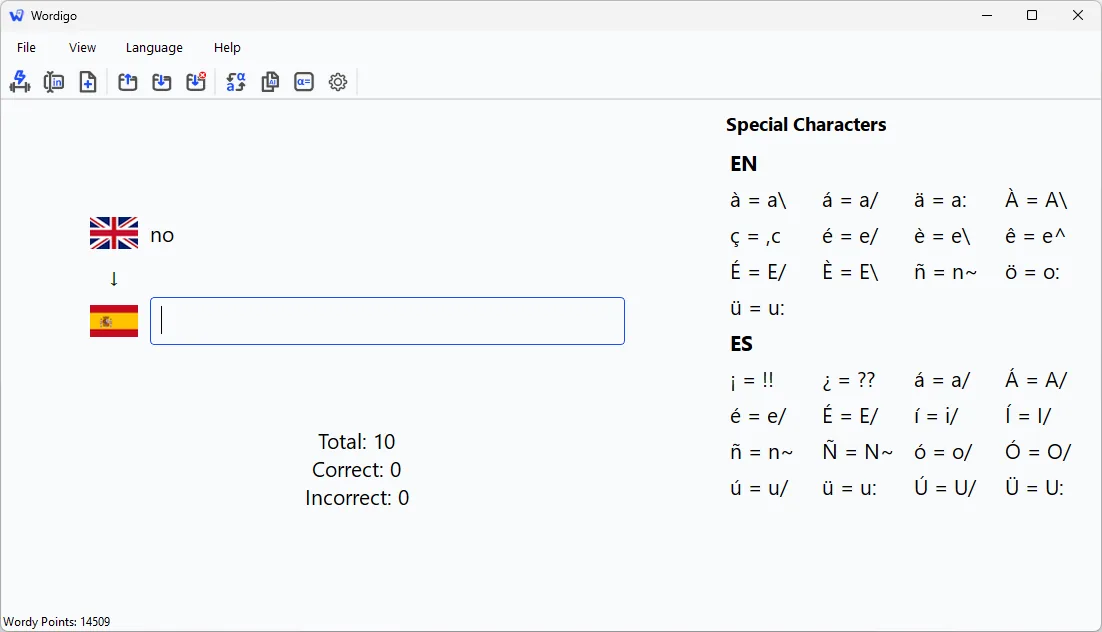
See the word in one language. Type the answer in the other. Every response is active recall — no multiple choice, no tapping the easy option.

  • Language flags show which direction you are practising
  • Wrong answers come back until the session is truly complete
  • Swap languages (Ctrl+W) to practise both directions
  • Session stats: total, correct, incorrect
  • A quiet completion quote when you finish — encouragement, not a badge
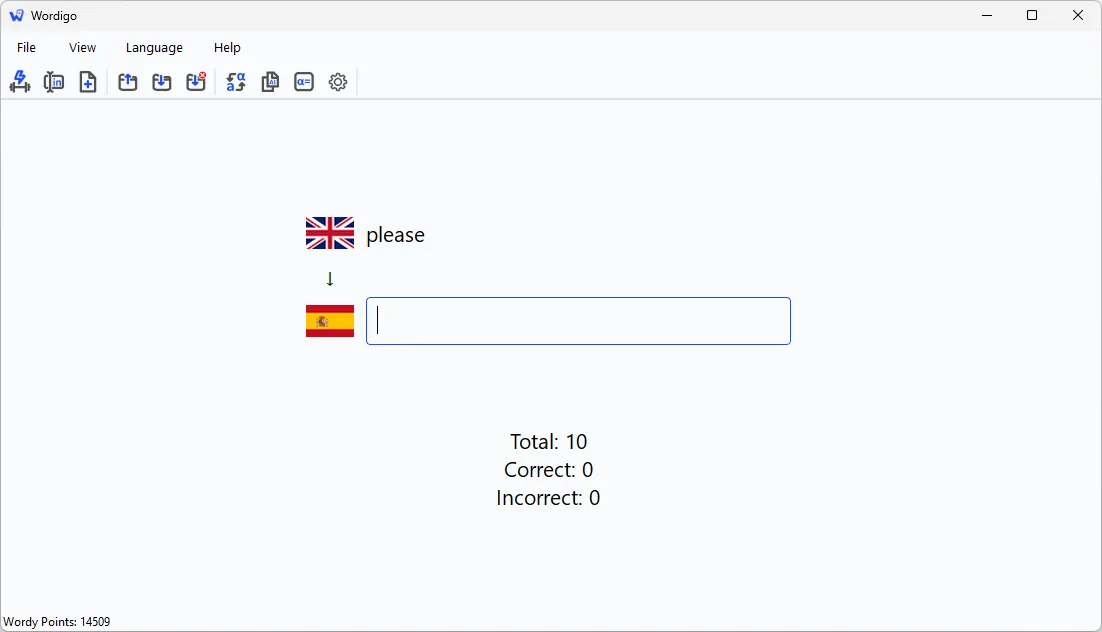
Full Wordigo Training Mode window

Input Mode

Build or edit your own lists — up to 1,000 word pairs. Wordigo does not ship textbook chapters; you bring the words from your class.

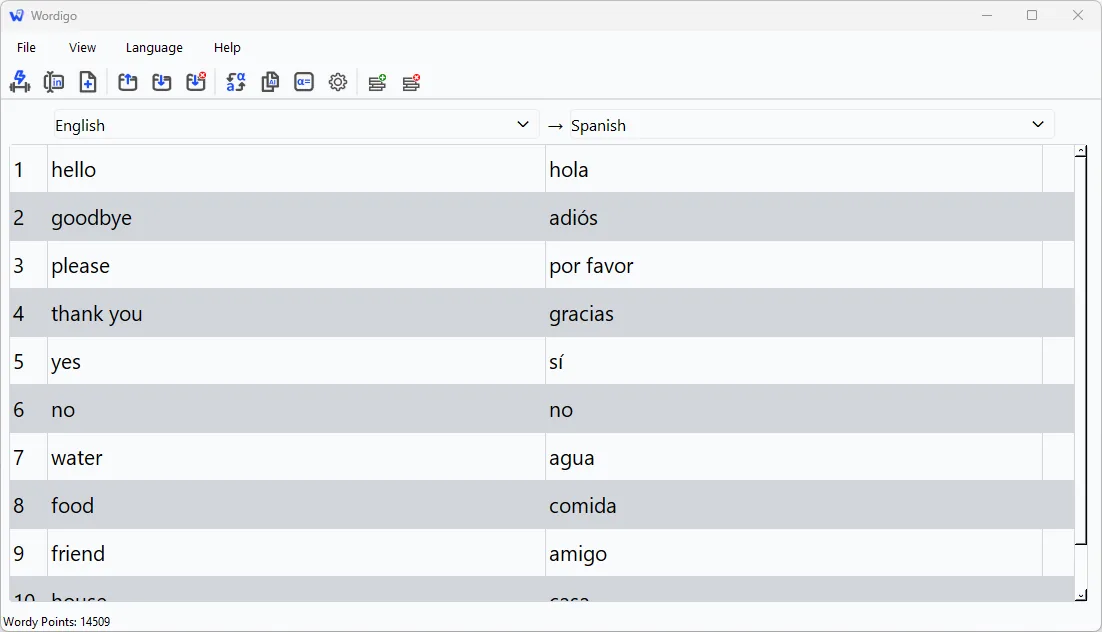
  • Spreadsheet-style editor with insert and delete rows
  • Nine study languages: Dutch, English, French, German, Greek, Italian, Latin, Portuguese, Spanish
  • Validation flags empty pairs, duplicates, and unsupported symbols
  • Auto-backup while you edit — live file plus timestamped copies
Input Mode table editor with language headers and validation

Smart accuracy

Short answers demand precision. Longer phrases allow sensible flexibility — because a five-word translation is not a spelling bee.

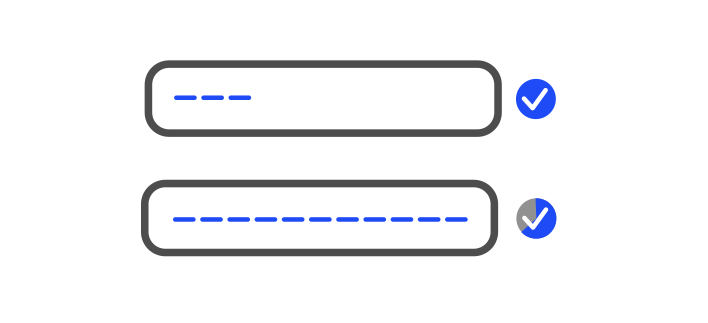
  • Three words or fewer: exact match (accents via keyboard shortcuts)
  • Four words or more: adjustable fuzzy matching (60–100%, default 80%)
  • Near-misses show the correct answer and match percentage
Smart accuracy — exact match for short answers, flexible matching for longer phrases

Special characters

Type é, ü, ñ, and ç without Alt codes. Language-specific shortcuts convert as you type — for example e/ becomes é and n~ becomes ñ.

The side panel lists shortcuts for your selected languages.

Special characters side panel with keyboard shortcuts

Import from anywhere

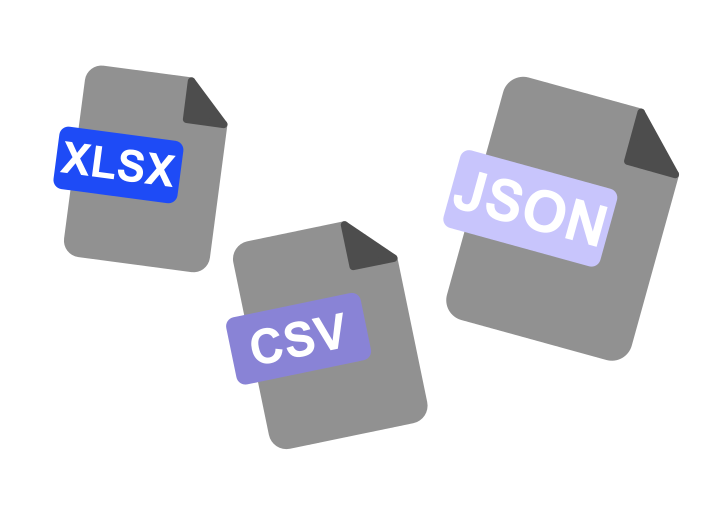
CSV, plain text, Excel (.xlsx), and Wordigo JSON. Delimiters are detected automatically. Quizlet exports work without extra formatting.

Teacher sends a spreadsheet? Import, pick languages if needed, start training.

Spreadsheet importing into a Wordigo word list

Save mistakes and AI check

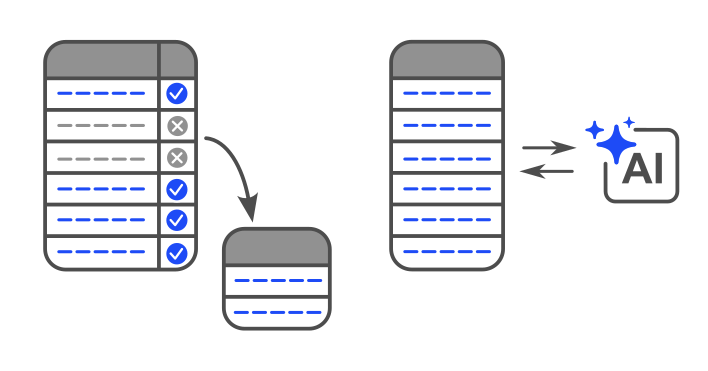
Export words you missed in a session to a new list — practise only the hard ones tomorrow.

One click copies your list with a ready-made prompt for ChatGPT, Claude, or any AI tool to check spelling and translations. Wordigo is not an AI app; it just makes AI useful at the right moment.

Save mistakes list export and copy for AI check

Wordy Points

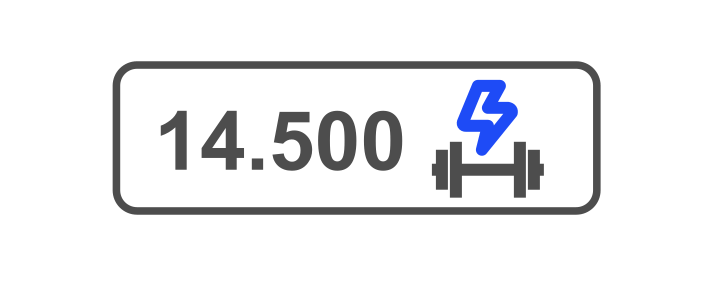
A counter in the status bar tracks how many answers you have ever got right. No streaks. No leaderboard. No daily anxiety.

Over months it becomes a quiet record of real work — not a game score.

Status bar showing Wordy Points counter

Try the full app free for 30 days

Windows 10 or 11 · Microsoft Store · no account

Get it on Microsoft Store